
.png)

You Didn’t Go Fractional to Drown in Admin Work.
You didn’t go fractional
to drown
in admin.
Juggle keeps track of Everything for you.
Juggle listens to your meetings, pulls out tasks, and organizes it all by client.
For fractional pros and Consultants
What juggle does, So you don't have to.
.png)
Leave meetings with a clear list
Juggle pulls out the real to dos from your calls so you don’t have to remember everything later.
.png)
Stop scrambling to take notes
Saves notes and transcripts so you can stay focused and review later. No bots required.
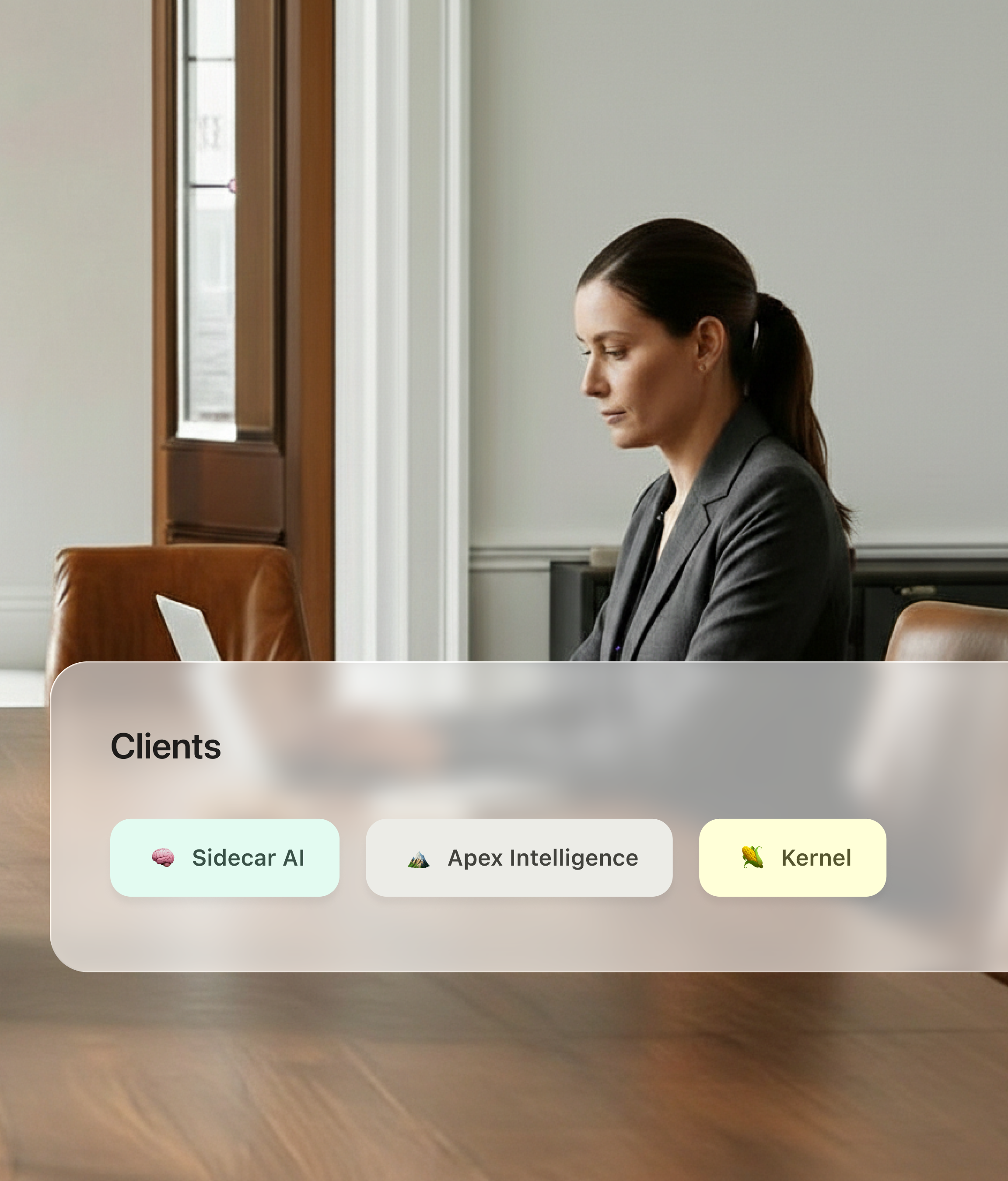
Know which client it’s for
Juggle tags tasks and notes to the right client automatically, so nothing gets mixed up.
Know what
you owe
each client.
WITHOUT JUGGLE
JUGGLE
Notes everywhere. Tasks everywhere.
Listens and captures what matters.
Trying to remember what you promised.
You approve the tasks, then move on.
Copying things into Slack, Notion, email.
Notes and transcript saved with the task.
Switching clients and losing context.
Auto tags by client so prep is quick.
When meetings end, your tasks are already there.
What you get
Tasks pulled from meetings
Notes + transcript saved
Auto tagged by client
Quick brain dump mode
Matched to your calendar
.png)
Your client data stays private.
No data is trained on.
Juggle runs on your Mac and keeps your notes, tasks, and transcripts private. Your data is never used to train AI, and nothing is shared without you choosing to export it.
FAQ
What is Juggle?
Juggle is your AI-powered assistant that keeps client work organized, without the mental load. It automatically captures tasks, logs meeting notes, and reminds you of follow-ups, so you can focus on clients, not admin.
How is Juggle different from a CRM or task manager?
Juggle isn’t just another CRM or to-do list. It actually does the work, capturing, categorizing, and prioritizing tasks automatically. No tagging, no data entry, no extra apps.
Who is Juggle for?
Juggle is built for fractional professionals, consultants, and solo operators who manage multiple clients and hate juggling scattered tools. If follow-ups fall through the cracks or admin eats your time, Juggle is for you.
How do I get early access?
Spots are limited! Join the waitlist now to secure early access before we launch publicly.
How does Juggle capture tasks and notes?
Juggle listens in the background and pulls action items directly from your meetings, no bots, no extra steps. Everything is logged instantly.
Do I need to manually tag or categorize tasks?
Nope! Juggle understands what you mean, not just what you say. It categorizes tasks by client, priority, and urgency, so you always know what to tackle next.
What if I forget to check Juggle?
You won’t. Juggle nudges you with automated reminders and daily priority lists so nothing falls through the cracks.
Does Juggle train AI models on my data?
Absolutely not. Your data never trains AI models.
Who can see my notes and tasks?
Only you. Your tasks and notes are private by default. You control what’s saved, logged, or ignored.